WIKI / Guidelines / Informations
Details:
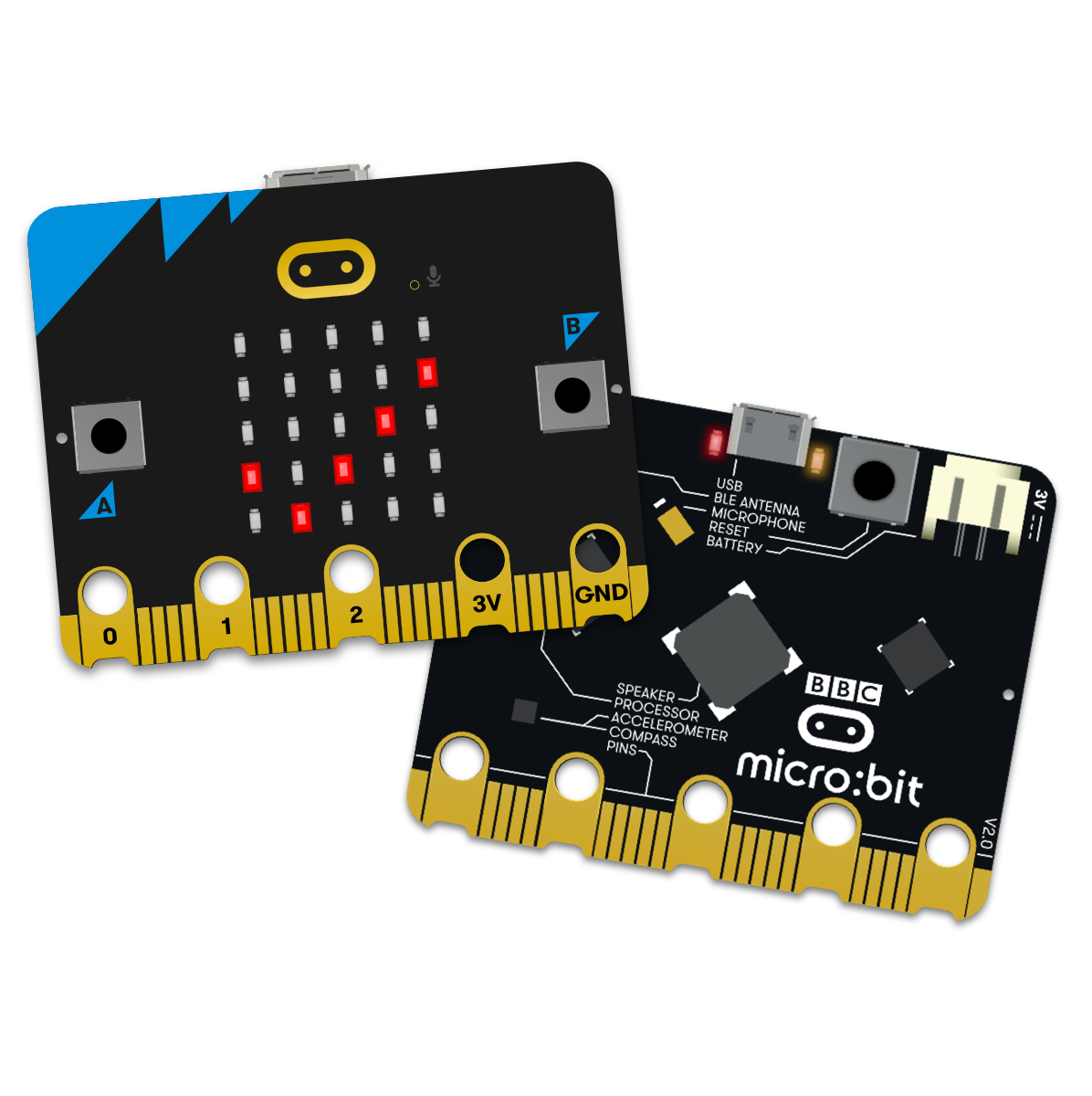
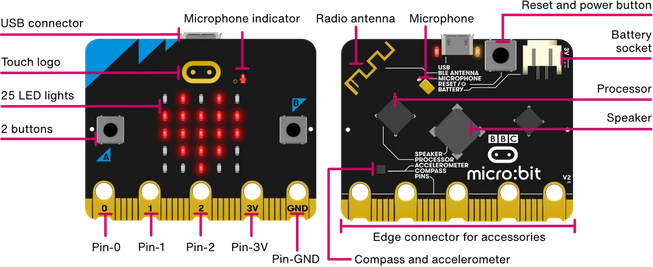
micro:bit v2 Go


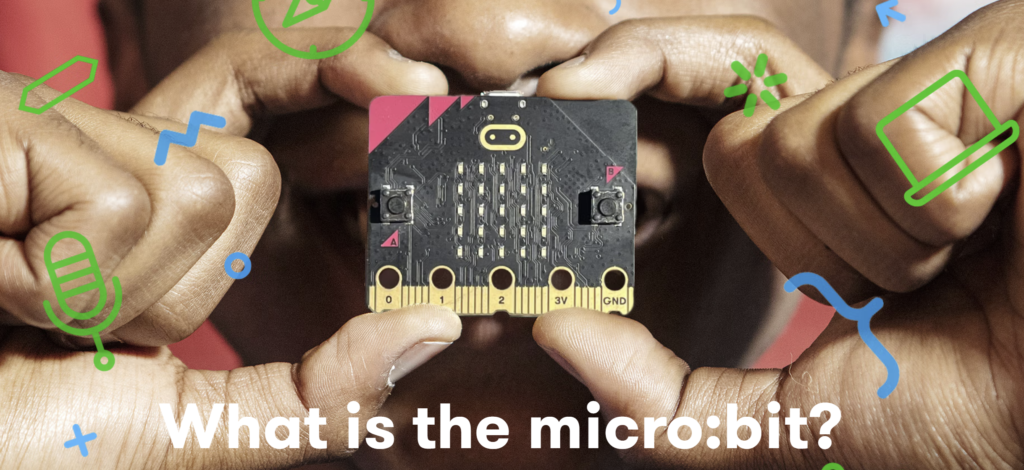
1. Introduction to micro:bit
Link: https://microbit.org/get-started/what-is-the-microbit/
Learn what the micro:bit is, its features, and how it can be used for coding, electronics, and educational projects.
2. Help & Support Center
Link: https://microbit.org/help-and-support/
Official troubleshooting, FAQs, setup guides, and technical support for micro:bit users.
3. Programming with MakeCode
Link: https://makecode.microbit.org/
The official block-based and JavaScript coding environment used by most micro:bit users.
4. Python Programming Support
Link: https://python.microbit.org/
The official Python coding environment for more advanced micro:bit programming.
5. Getting Started with micro:bit
Link: https://microbit.org/get-started/getting-started/introduction/https://microbit.org/get-started/
Step-by-step guides to help beginners set up and start using their micro:bit.
6. Buy micro:bit V2 Go Bundle in Brunei
Link: https://smartbitbn.com
Purchase genuine micro:bit V2 Go Bundles and accessories from smartbitbn.com
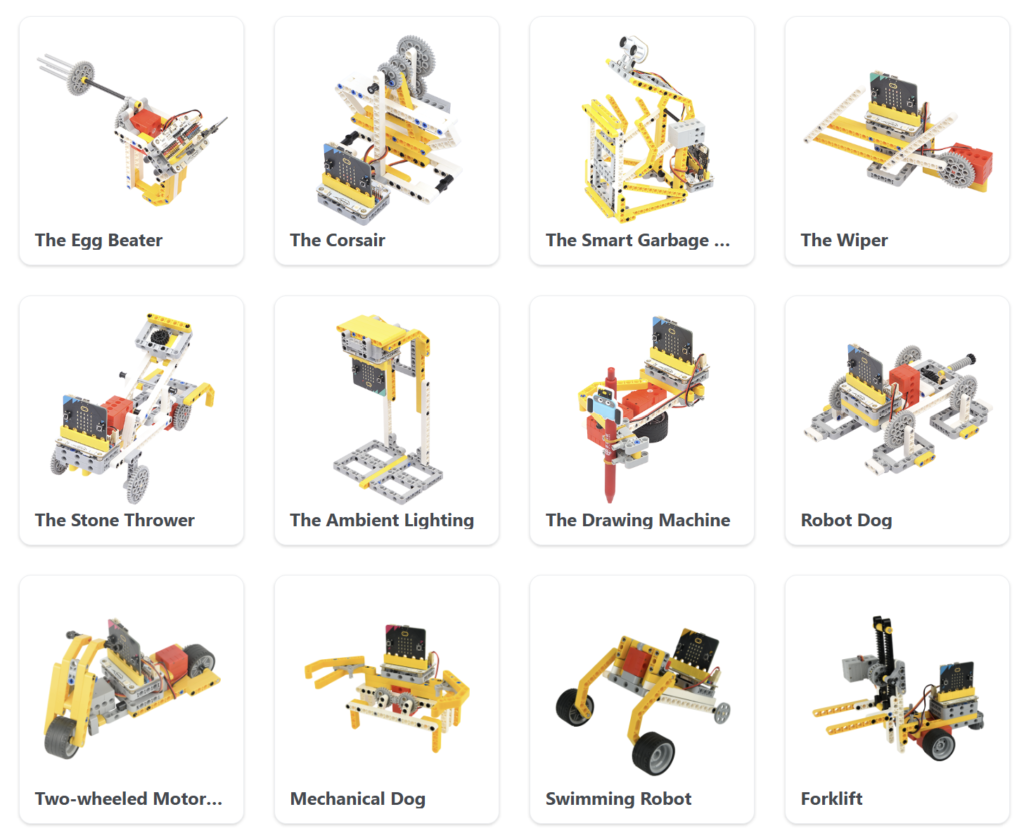
6-in-1 Ring:bit Bricks Pack

Introduction to ELECFREAKS 6-in-1 Ring:bit Bricks Pack
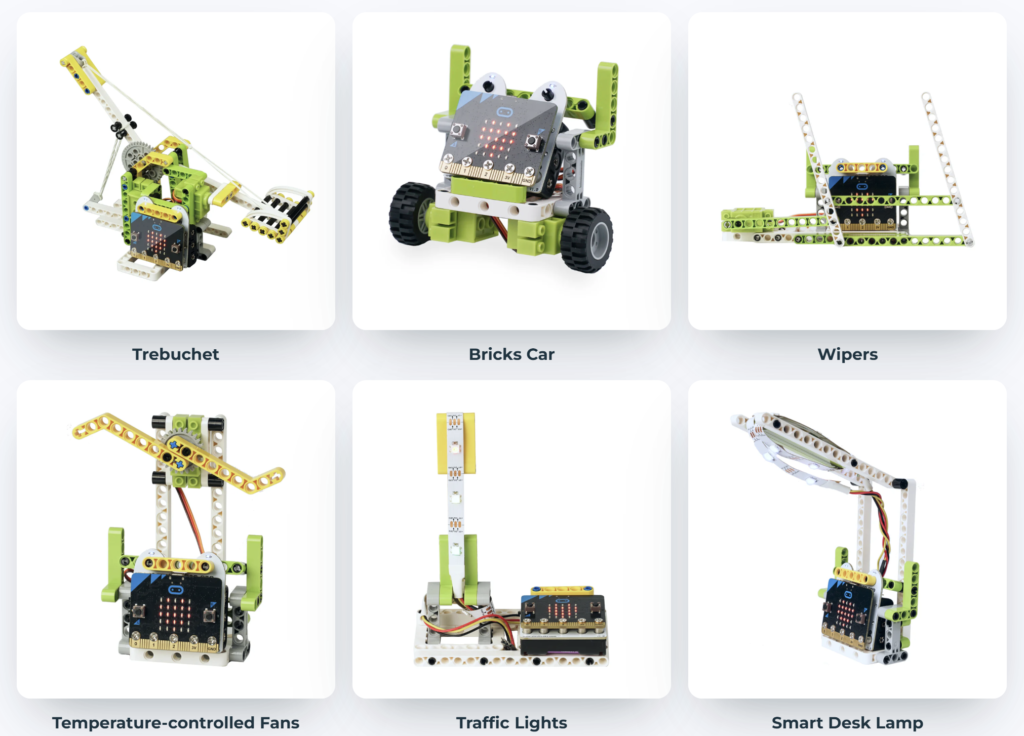
The ELECFREAKS 6-in-1 Ring:bit Bricks Pack is an educational robotics kit designed for use with the BBC micro:bit. It combines coding, electronics, and building blocks to help students learn programming and engineering through hands-on projects.
Using the included Ring:bit expansion board, servos, and building components, students can build and program six different interactive models while learning fundamental STEM concepts such as robotics, motion control, sensors, and logical thinking.
The kit is fully compatible with Microsoft MakeCode, allowing beginners to create programs using drag-and-drop blocks, while advanced users can explore JavaScript and Python programming.
Key Features
Designed for BBC micro:bit
Build 6 different programmable models
Compatible with Microsoft MakeCode
Learn coding, robotics, and engineering concepts
Easy-to-assemble building block system
Suitable for classrooms, coding clubs, and home learning
Learning Outcomes
Students will learn:
Basic programming concepts
Robotics and automation
Servo motor control
Problem-solving skills
Computational thinking
STEM project development
Useful Links
Learning Wiki
https://wiki.elecfreaks.com/en/microbit/building-blocks/ringbit-bricks-pack/
Microsoft MakeCode Editor
https://makecode.microbit.org/
Python Editor for micro:bit
https://python.microbit.org/
micro:bit Official Website
https://microbit.org/
Need extra 6-in-1 Ring:bit Bricks Pack?
Visit smartbitbn.com to purchase genuine ELECFREAKS educational kits, BBC micro:bit boards, accessories, and STEM learning products.

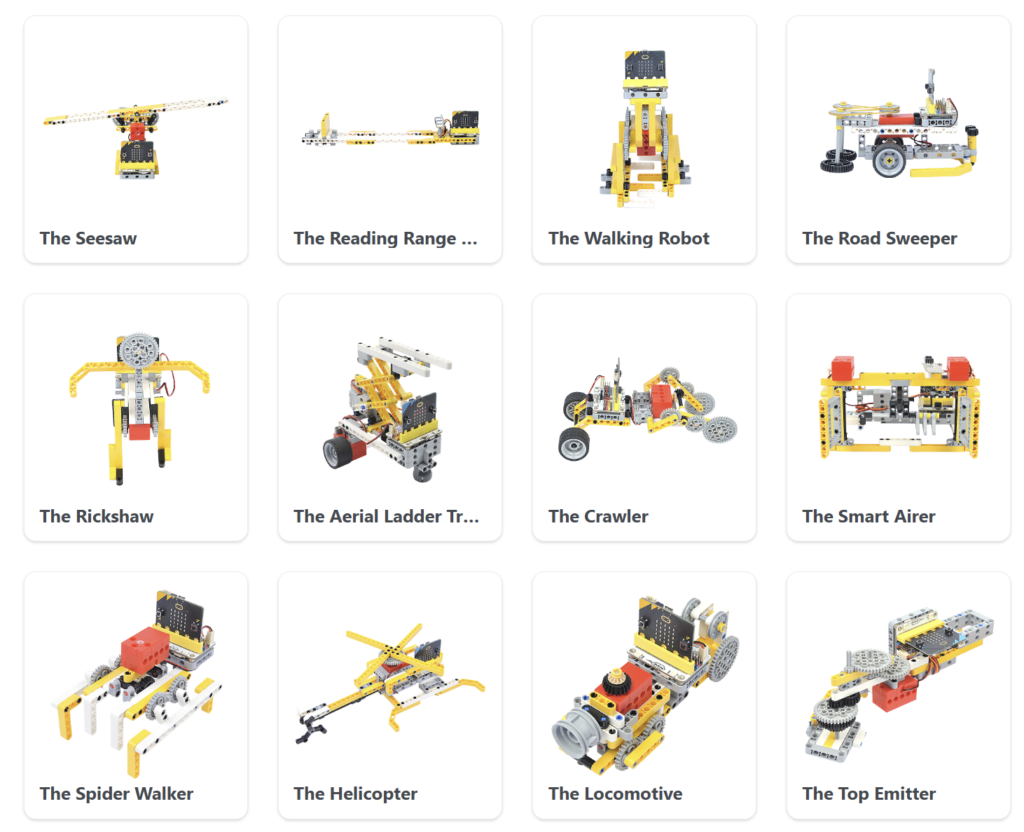
Wonder Building Kit 32 in 1


Introduction to ELECFREAKS 32-in-1 Wonder Building Kit
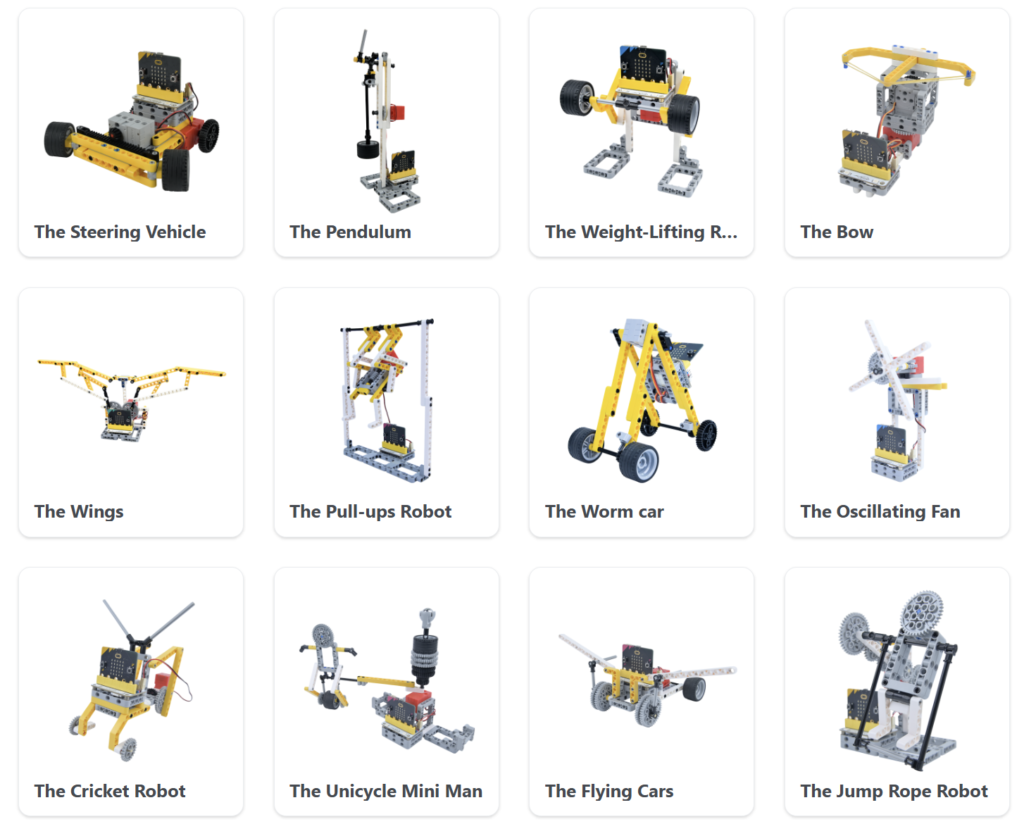
The ELECFREAKS 32-in-1 Wonder Building Kit is a comprehensive STEM robotics and coding kit designed for use with the BBC micro:bit. The kit combines programmable electronics, motors, sensors, and construction blocks, enabling students to build and code up to 32 different interactive projects.
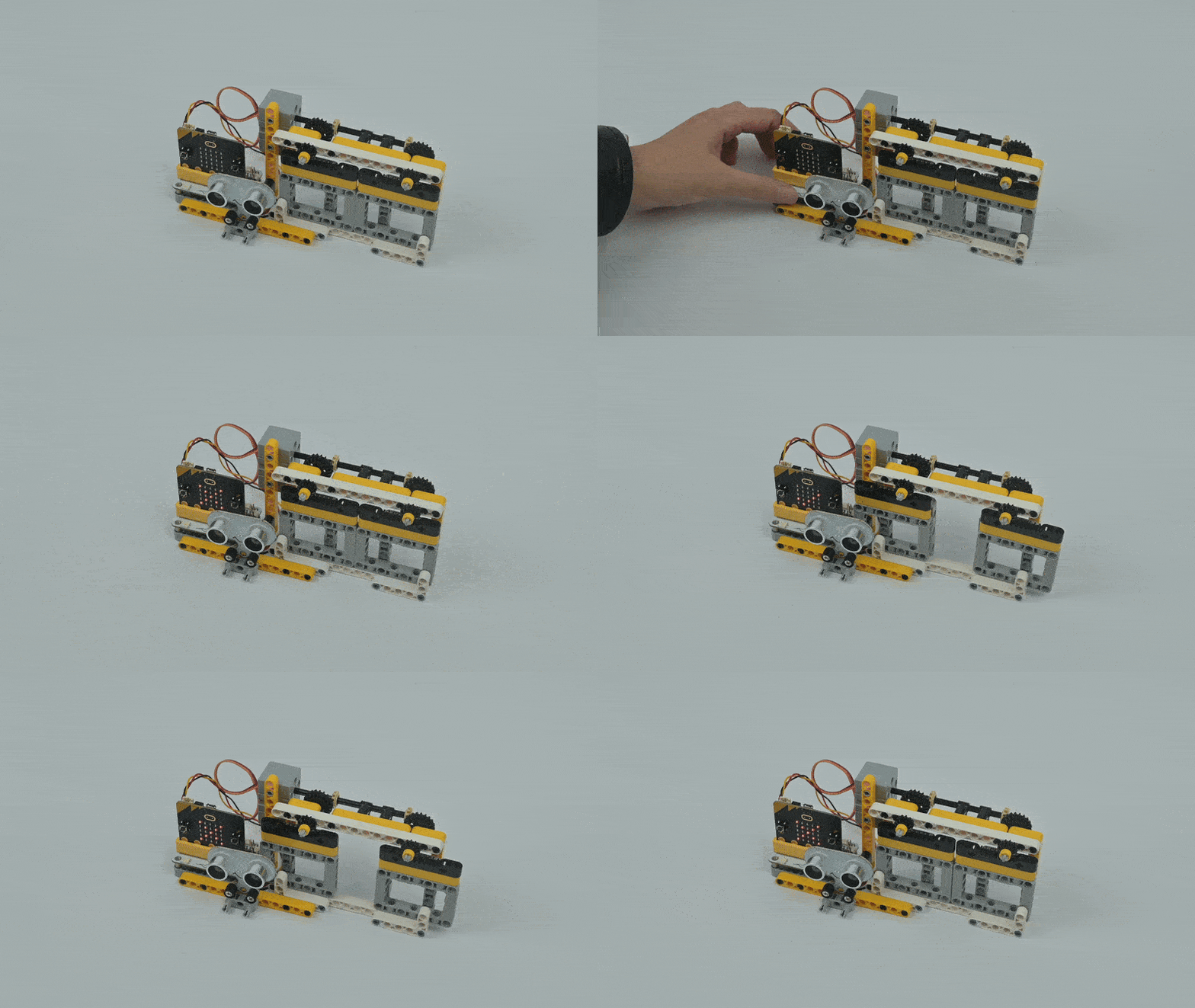
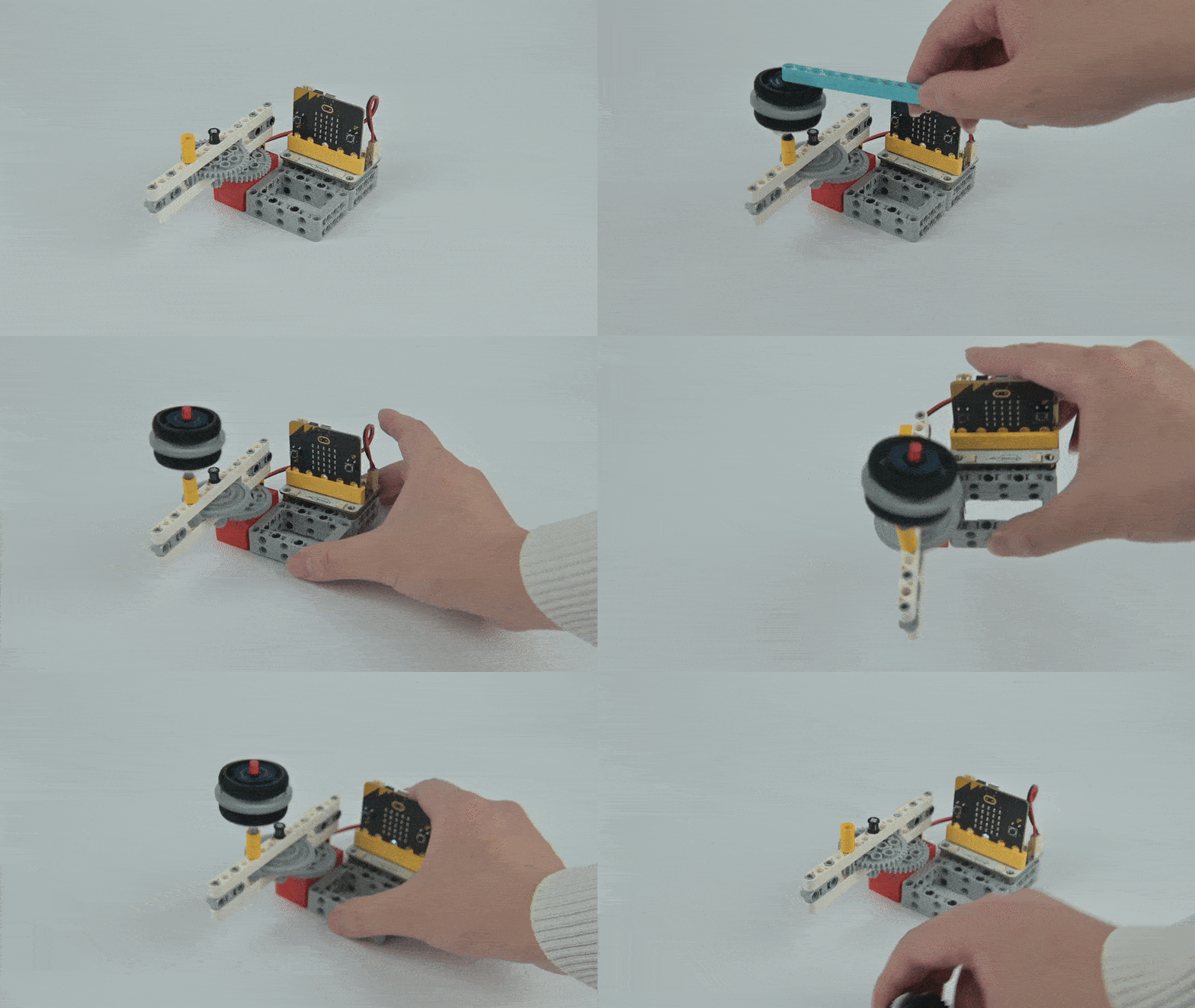
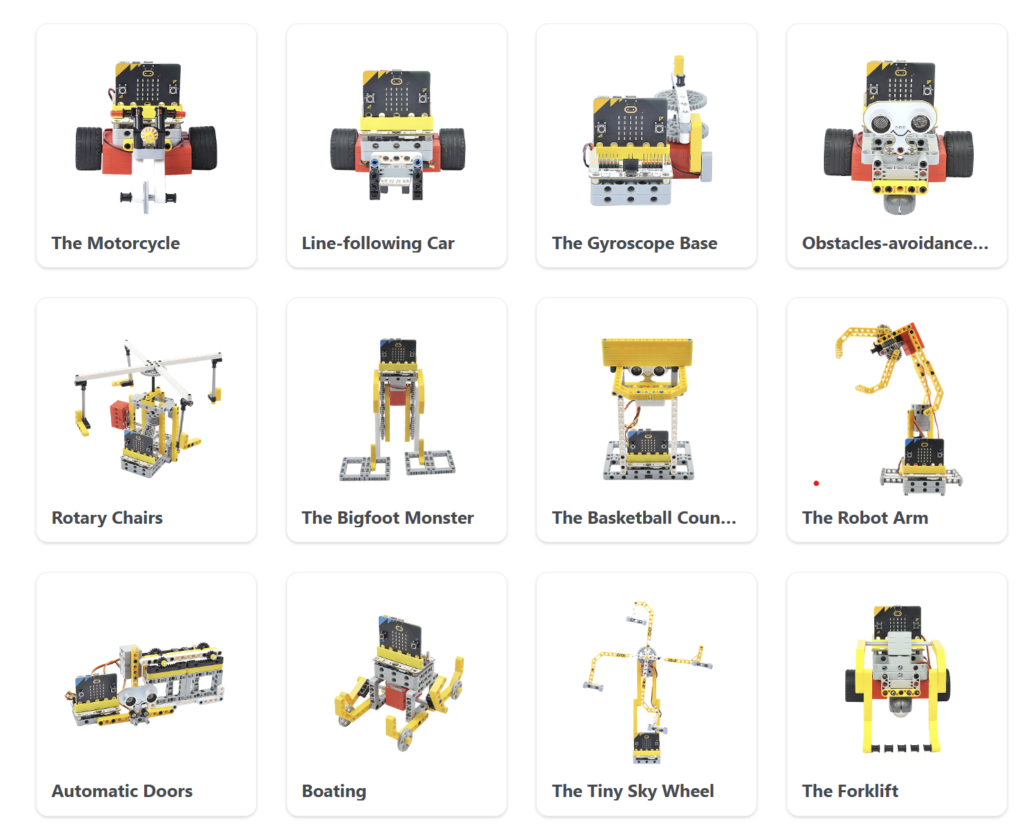
Through hands-on activities, students learn coding, engineering, robotics, and problem-solving skills while creating exciting models such as motorcycles, line-following cars, obstacle-avoidance vehicles, robot arms, automatic doors, basketball counters, and many more.
The kit supports Microsoft MakeCode’s drag-and-drop programming environment, making it suitable for beginners while also providing opportunities for advanced learners to explore JavaScript and Python programming.
Key Features
Compatible with BBC micro:bit
Build up to 32 programmable projects
Includes motors, sensors, servos, and building blocks
Supports Microsoft MakeCode programming
Encourages STEM learning through hands-on projects
Suitable for schools, coding clubs, makerspaces, and home learning
Example Projects
Motorcycle
Line-Following Car
Obstacle-Avoidance Vehicle
Gyroscope Base
Rotary Chair
Bigfoot Monster
Basketball Counter
Robot Arm
Automatic Door System
And many more exciting creations
Learning Outcomes
Students will learn:
Coding fundamentals
Robotics and automation
Sensor integration
Mechanical design principles
Engineering problem-solving
Computational thinking
STEM project development
Useful Links
Official Product Guide
https://wiki.elecfreaks.com/en/microbit/building-blocks/wonder-building-kit/
Microsoft MakeCode Editor
https://makecode.microbit.org/
Python Editor for micro:bit
https://python.microbit.org/
micro:bit Official Website
https://microbit.org/
Need additional kit:
Visit Smartbitbn for genuine ELECFREAKS educational robotics kits, BBC micro:bit boards, accessories, and STEM learning products.